A visual system for the whole story
One visual language.
IlloAI keeps an article’s cover, body illustrations, social verticals, and section breaks inside one visual system, with the same style, palette, and composition rules.
Free CLI + agent skill for Claude Code, Codex, Grok CLI, and DeepSeek Harness.
Install locally
npm i -g @liustack/illoai@nextnpx playwright install chromiumOne system, four formats
01 / Style gallery
One subject, ten voices.
A person stands before a half-open door. Morning is outside. Ten styles can interpret the same subject. A project locks one, so the rest of the story does not drift.
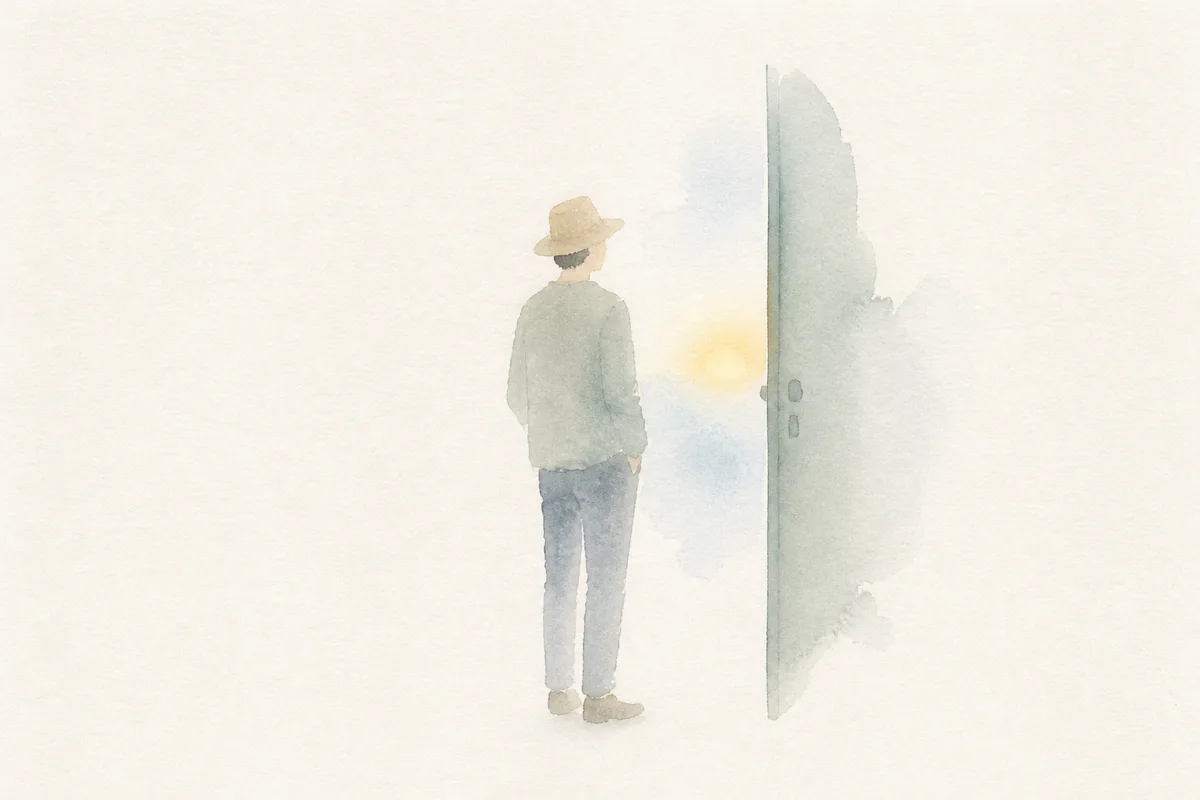
Minimal Watercolor
People · stories · use contexts
minimal_watercolor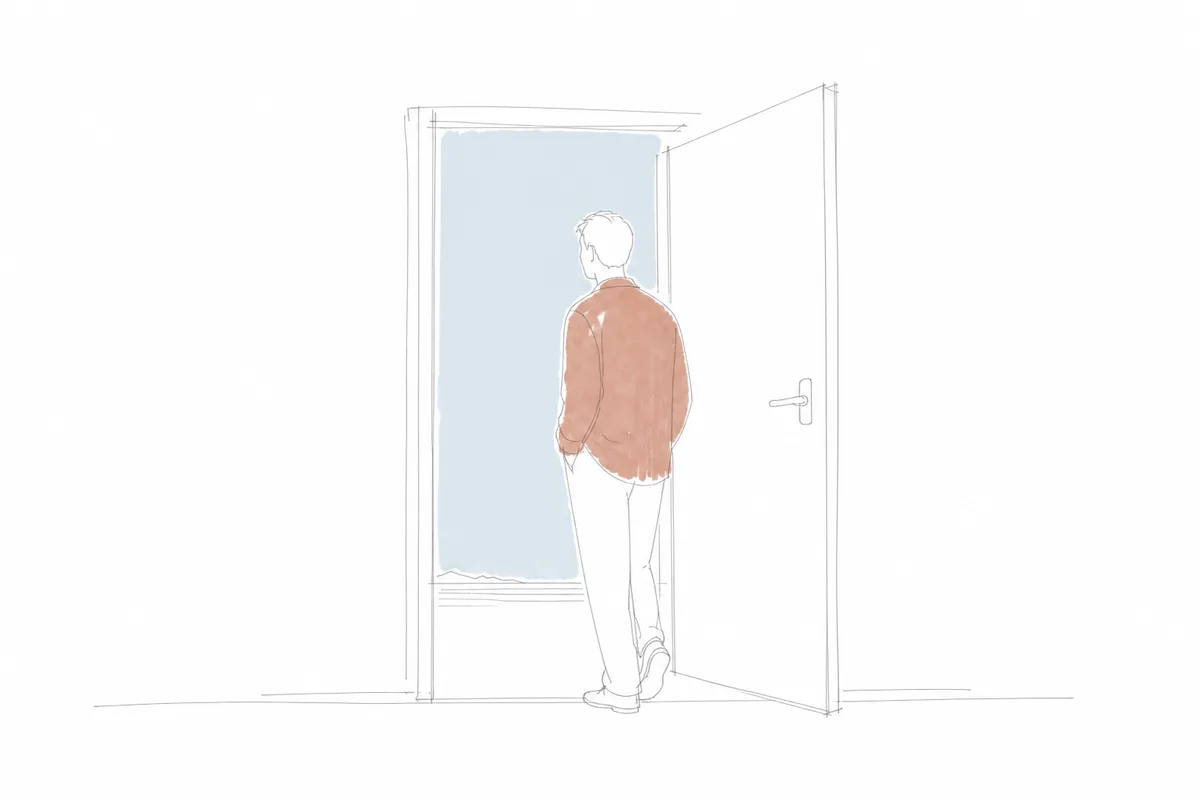
Freehand Doodle
Commentary · satire · thought process
freehand_doodle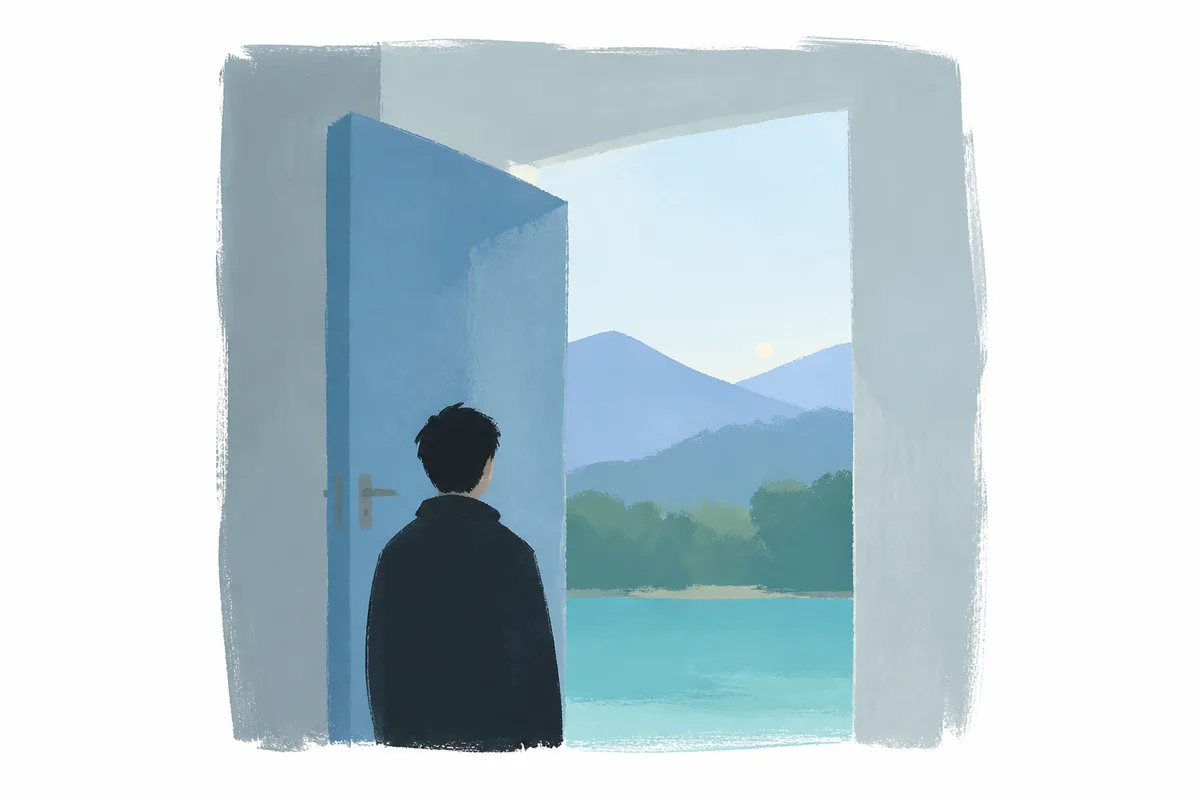
Memory Color Blocks
Emotion · trends · abstract relationships
memory_color_blocks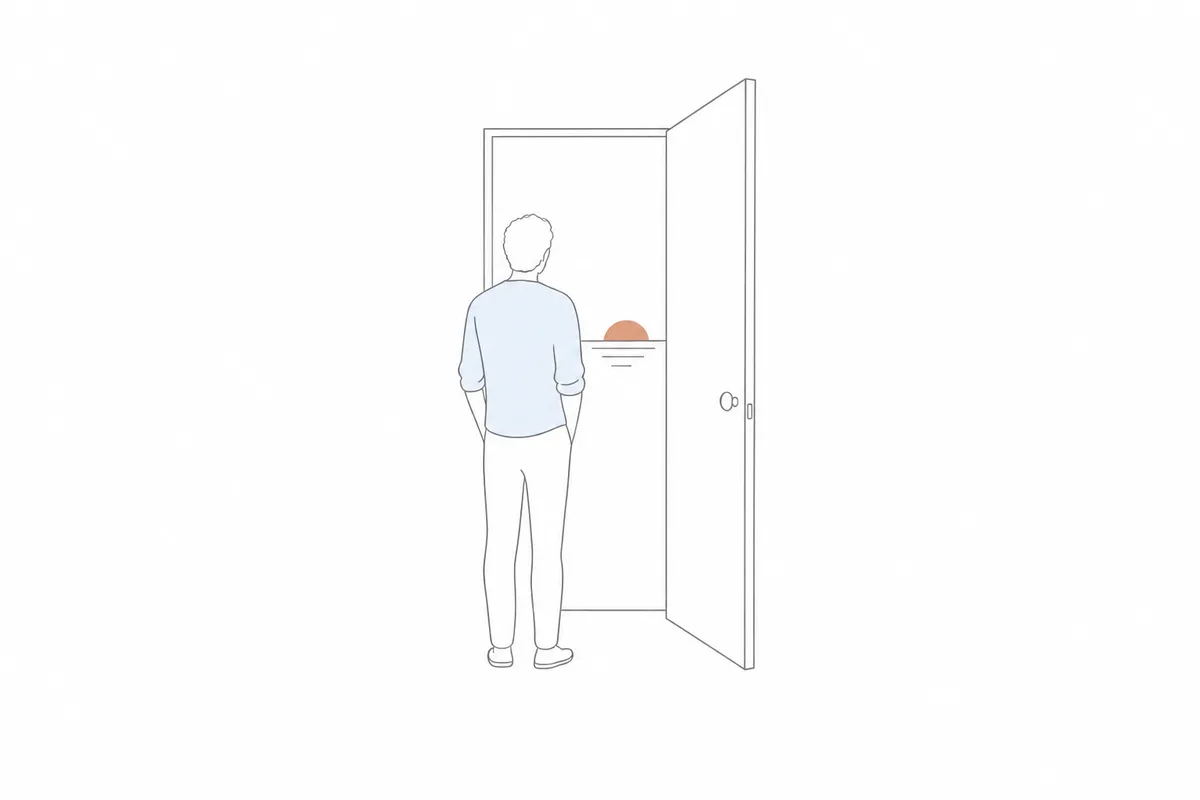
Single-line Sketch
Light transitions · small ideas
single_line_sketch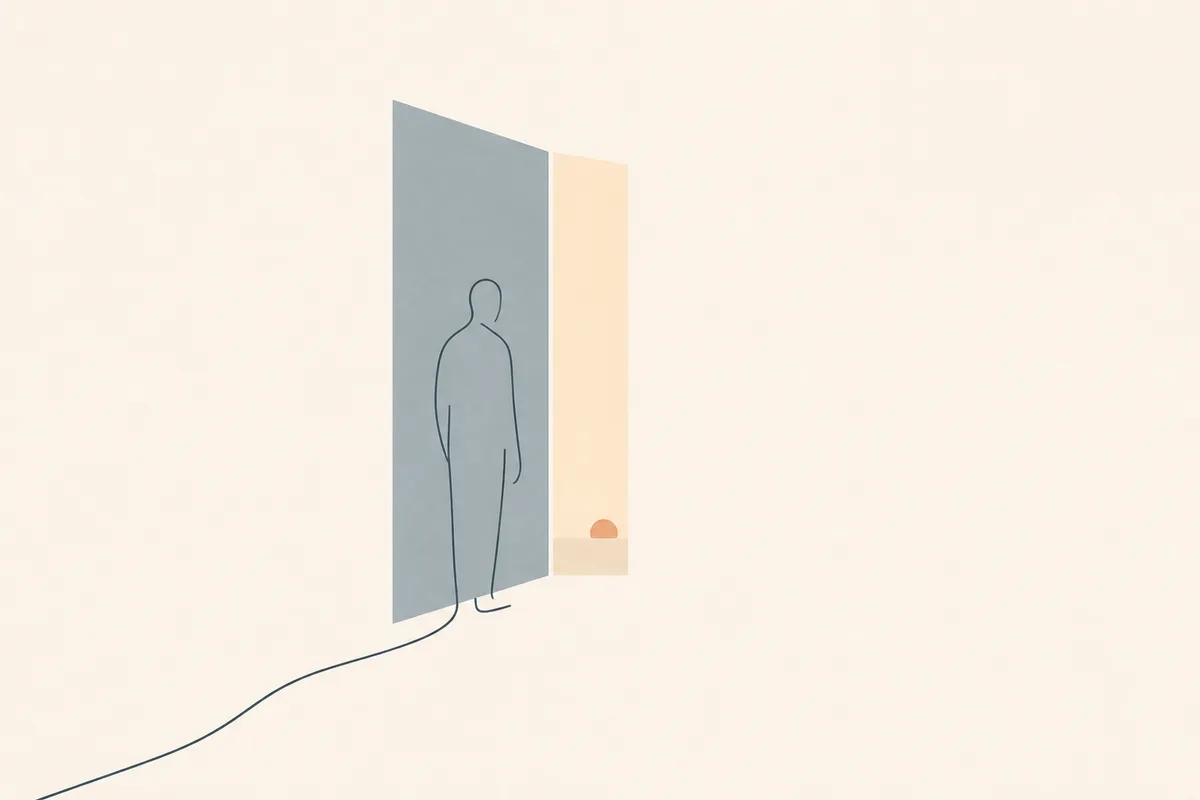
Extreme Minimal Abstraction
Core propositions · cover visuals
extreme_minimal_abstraction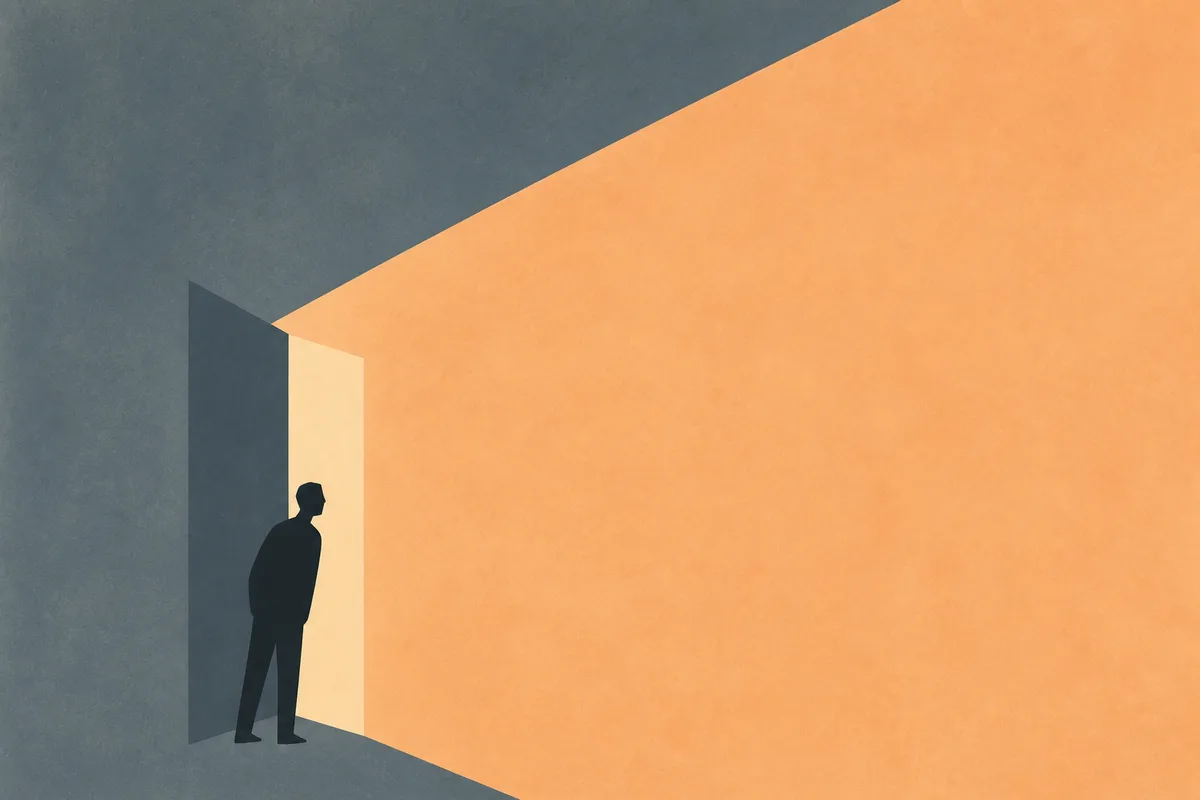
Conceptual Colorfield
Visual metaphors · psychological space · pressure · attention · information intrusion · solitude
conceptual_colorfield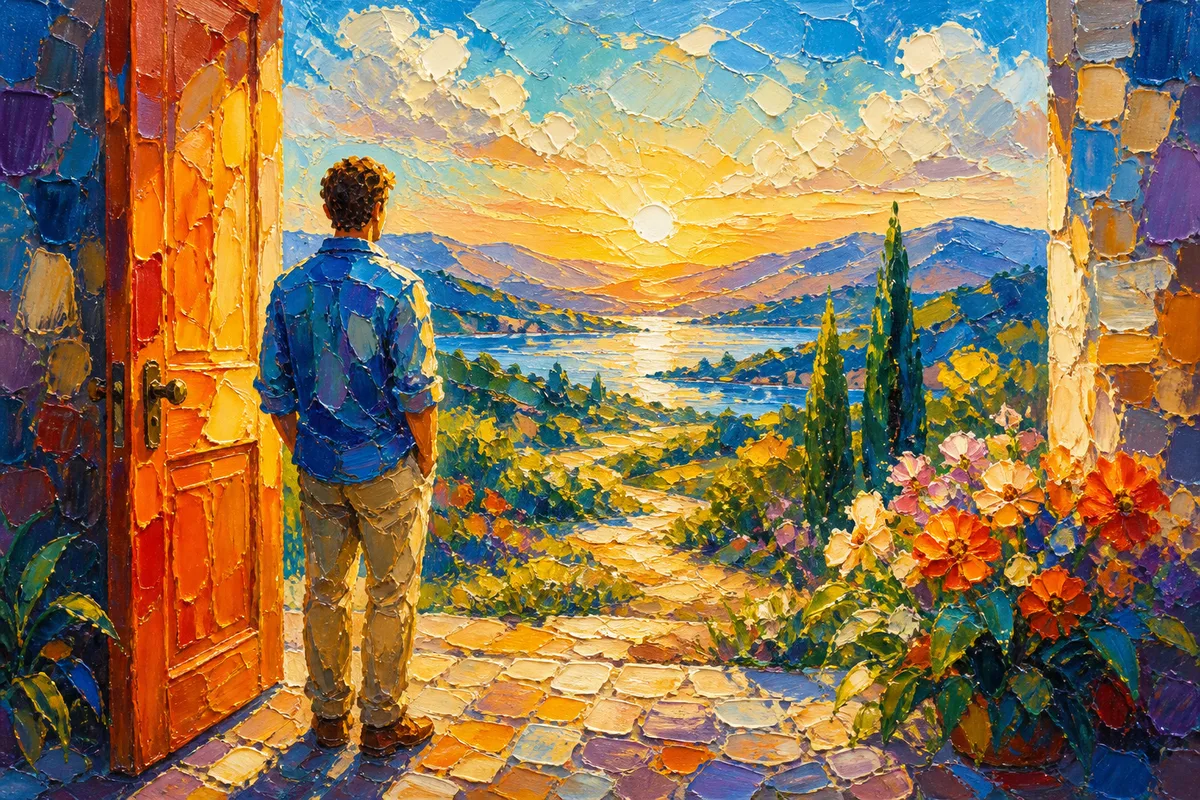
Luminous Impasto
Color impact for covers · scene required
luminous_impasto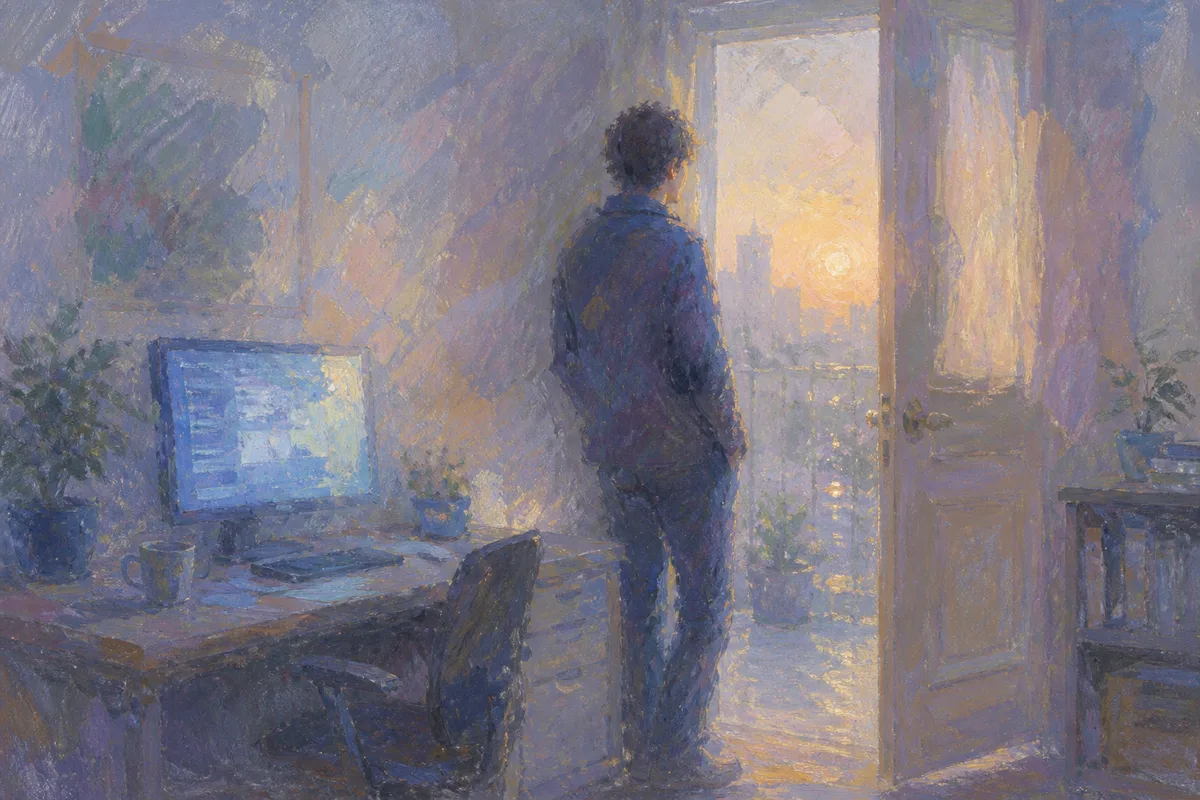
Monet Editorial Impressionism
Cognition · trends · human stories · long-term thinking
monet_editorial_impressionism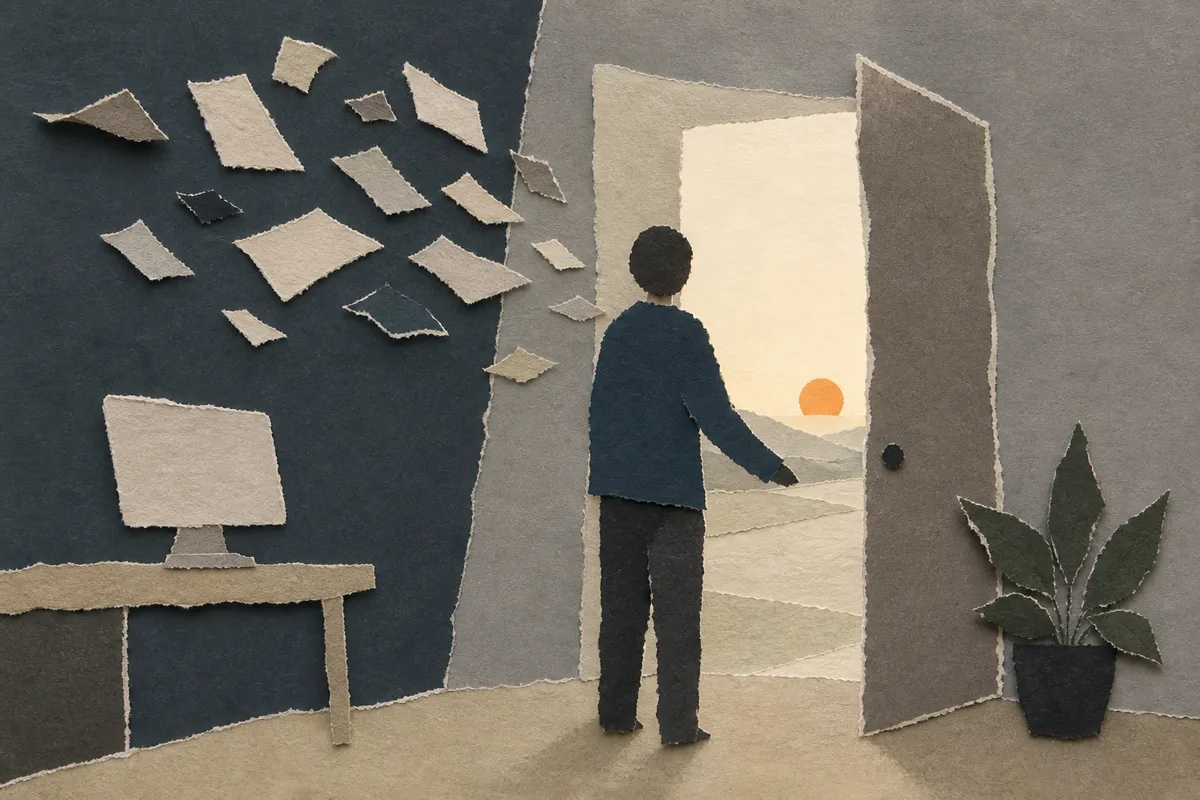
Torn-paper Editorial Collage
Information fragments · reassembly · complex systems
torn_paper_editorial_collage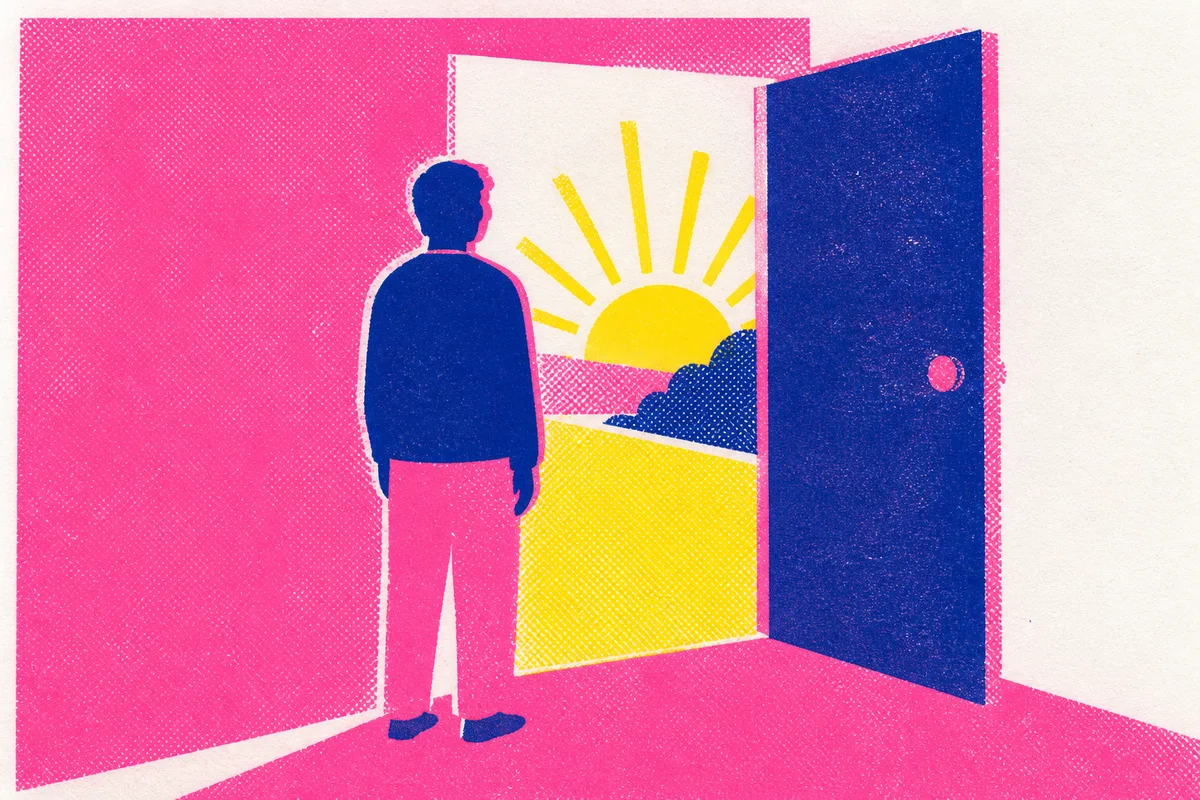
Risograph Editorial
Print-like high contrast · any subject
risograph_editorial02 / How to use
Lock the language once. Keep using it.
The workspace holds the visual system. Every later image reads from the same project asset.
- 01
Lock one style
illoai new morning-story --style memory_color_blocksCreates .illoai/project.json. Commit it with your project so the visual system survives a machine change.
- 02
Make the next image
illoai gen "A person stands before a half-open door. Morning is outside." --source local-model --via codex --preset 3:2Use render for editable, text-led visuals. Use local-model through your own CLI, choosing Codex, Grok, or Claude for image-led work.
- 03
Find the output
ls .illoai/out/PNG output lands in .illoai/out/.
Privacy
Render mode stays entirely on your machine. Local-model mode goes through your own CLI, using Codex, Grok, or Claude. IlloAI does not handle that data.